10 Healthy Office Ergonomic Hacks and Proper Sitting Posture


PT Murni, Jakarta – Creating a healthy office with ergonomics is essential for anyone spending long hours at their desk, as it prevents bad sitting posture, boosts comfort, and protects productivity.
Ergonomics for office means shaping your workspace to fit your body’s needs, allowing you to work safely and comfortably. Proper ergonomics reduces strain and enhances overall wellness.
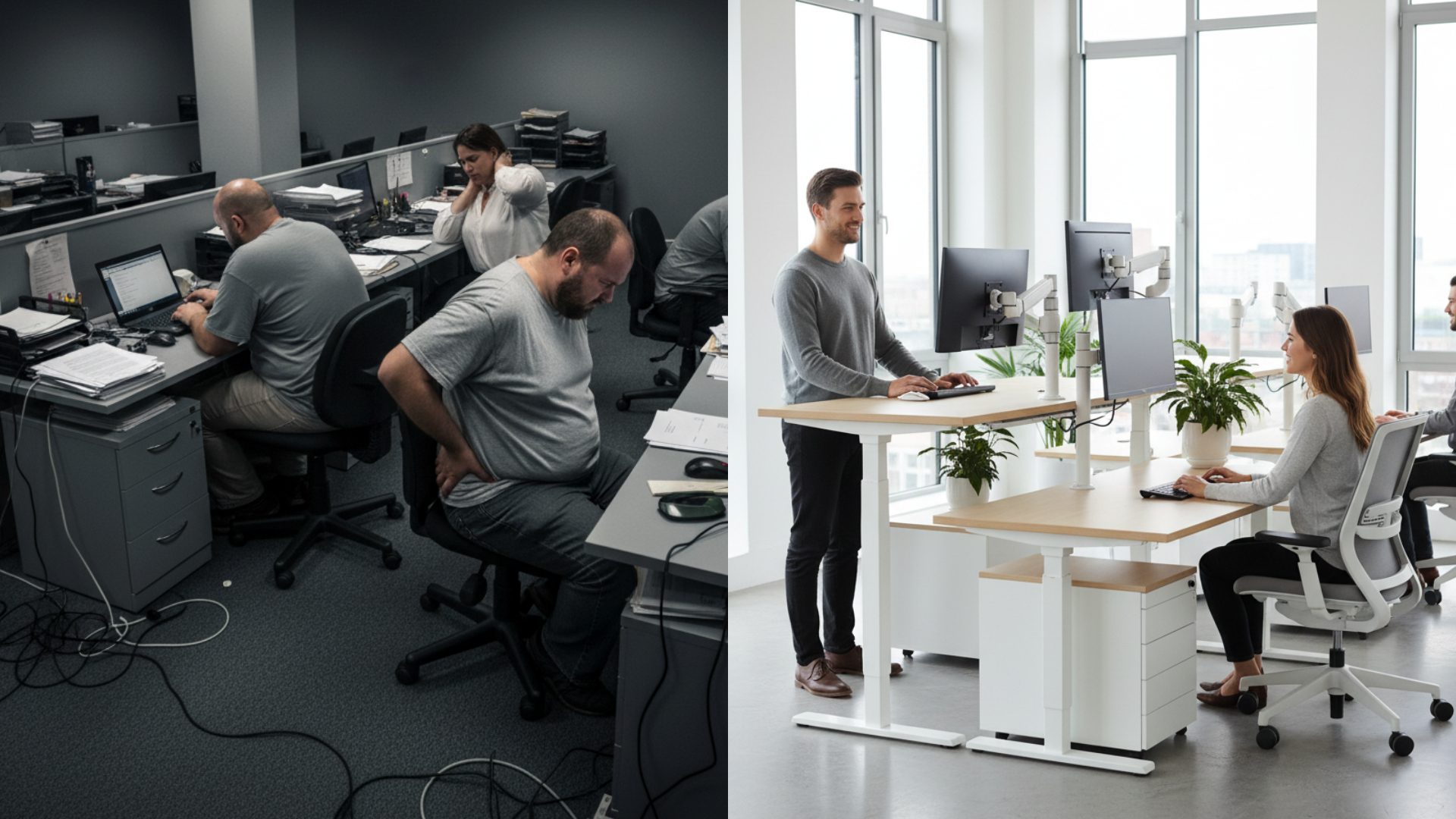
Poor sitting posture while working often causes back pain, neck stiffness, fatigue, and even decreased focus, which can gradually lead to serious musculoskeletal problems and lower work performance.
That’s why understanding and applying ergonomics for healthy office practices is essential to prevent these problems earlier. This article shares 10 easy ergonomic hacks, focusing especially on correct sitting posture.

These tips will help you create a comfortable, supportive workspace so you stay healthy and productive every day—whether you’re an office worker, remote employee, student, or freelancer.
The Importance of Ergonomics in How You Work
Ergonomics for office means arranging your workspace to fit your body and work habits, promoting natural posture and movement for comfort and safety. It’s about adapting your environment to you.
Beyond comfort, good ergonomics for healthy office reduces strain and prevents injuries like musculoskeletal problems and repetitive stress. A well-supported workspace means less pain, less fatigue, and more focus, leading to higher productivity and satisfaction.
Whether in a traditional office, working remotely, or freelancing, applying healthy office with ergonomics principles is essential. Wherever you work, an ergonomic setup helps maintain health, comfort, and efficiency.
Proper Sitting Posture Made Easy: A Simple Visual Guide
Proper sitting posture is fundamental to build a healthy office with ergonomics. It minimizes muscle and joint strain, preventing discomfort and chronic issues.
Key points to remember:
- Feet flat on the floor or footrest
- Knees at about 90°, level with or slightly below hips
- Back straight with natural lumbar support
- Elbows close to the body and bent at 90° angle
- Wrists straight and aligned with forearms
- Keeping head level with eyes facing forward
Check out this simple diagram illustrating the proper sitting posture!

Consistently maintaining this posture supports your body’s natural alignment, reduces muscle fatigue, and prevents repetitive strain injuries. It’s a vital step toward a healthier, more comfortable, and productive work environment.
The 10 Ergonomic Principles for a Healthy Office
Applying these core principles of ergonomics for healthy office design makes your workspace safer and more comfortable:
- Work in a Neutral Position
with joints aligned naturally to reduce muscle strain. - Set Up Chair and Desk Correctly
Adjust chair and desk height so your elbows are at 90° angle and feet rest flat comfortably. - Place Monitor at the Right Height
Position the monitor screen at eye level, about an arm’s length away to avoid neck bending or twisting. - Keep Keyboard & Mouse Within Reach
Ensure both are close by, with straight wrists and relaxed shoulders. - Support Your Arms
Rest your arms on armrests or the desk edge to reduce shoulder tension. - Minimize Excessive Force
Use your body weight wisely and avoid heavy lifting or awkward postures. - Allow Ample Space
Ensure enough space for knees, feet, and head to move freely. - Take Regular Movement Breaks
Stand, stretch, or walk every 30-60 minutes to lower fatigue and improve circulation. - Optimize Lighting and Minimize Glare
Adjust lighting and screen position to cut down on glare and reduce eye strain. - Vary Your Movements
Switch between sitting and standing when possible, and avoid staying in one position too long.
Practical Ergonomic Tips
No matter where you work, applying ergonomics to your office—whether at a traditional workplace or a home setup for remote workers and freelancers—can be done easily and affordable.

- Simple Workspace Adjustments
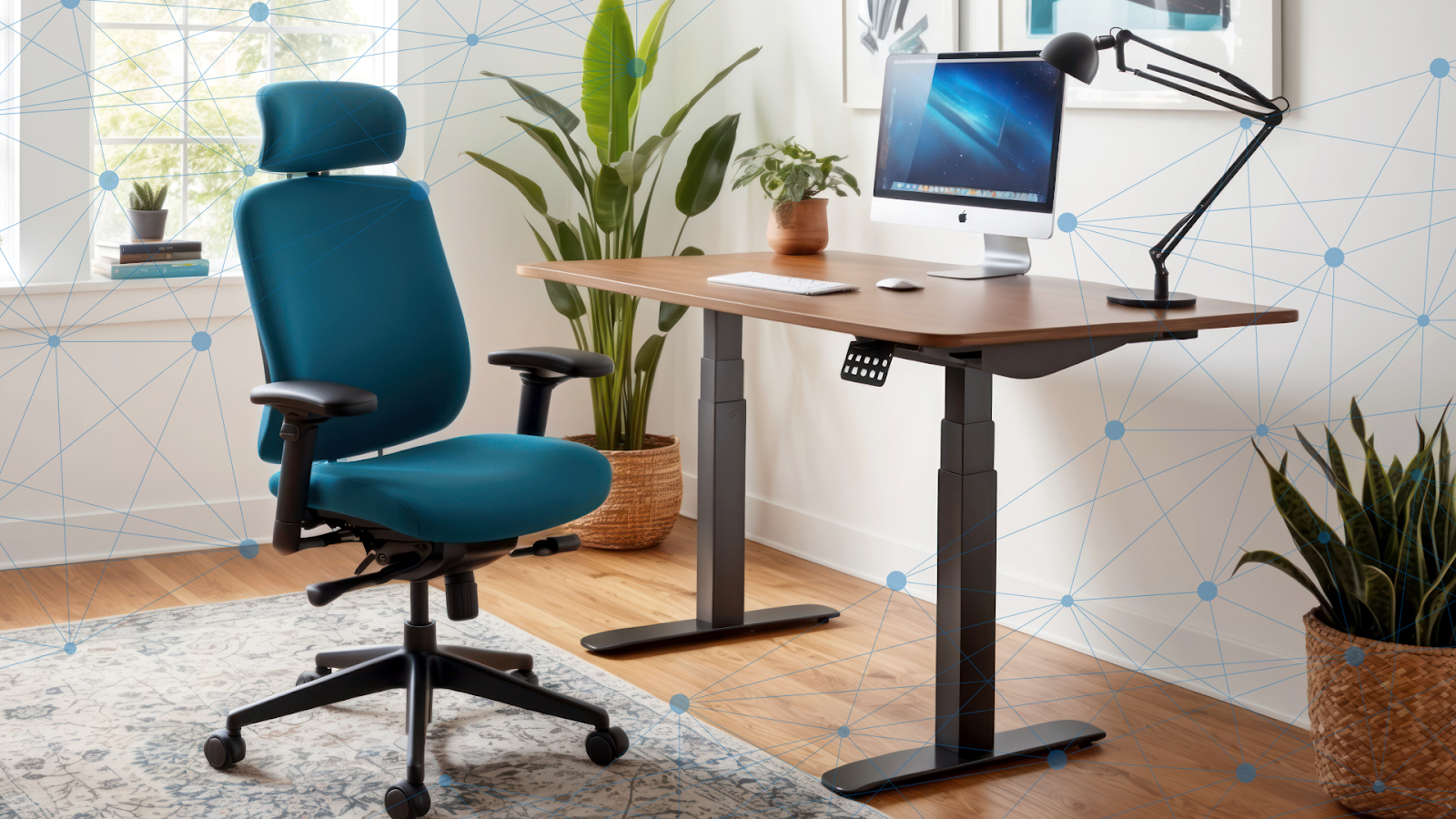
Apply household items like stacked books to raise your monitor to eye level and cushions for lumbar support. For greater impact, consider ergonomic products like monitor arms or height-adjustable desks. Explore more options here! - Good Posture Habits
Set up a dedicated workspace, even a small corner, especially if you work remotely or freelance. A consistent spot encourages good posture and helps separate work from relaxation, reinforcing ergonomics for office principles in any setting. - Set Reminders To Move
Use phone alarms or sticky notes to remind yourself to stand, stretch, or walk every hour. Regular movement helps prevent discomfort and supports ergonomics for healthy office practices.
Shape Healthier Workspace with Ergotron Indonesia
Create your healthy office with ease! With our ergonomic experts, PT Murni Solusindo Nusantara, the official distributor of Ergotron in Indonesia, is ready to support you in designing a comfortable, personalized work environment to your unique needs.
Ergotron is an American company with over 40 years of experience in developing a wide range of ergonomic products. We are committed to supporting hundreds of businesses across various sectors, both domestically and internationally.
As a pioneer in ergonomic workplace solutions, Ergotron prioritizes human health and comfort, focusing on continuous development of innovative and high-quality ergonomic products.
Get in touch with us for more information and personalized consultation at Hotline 1500 913 or email at ergonomic@murni.co.id. You can also explore more products available on Tokopedia.
REFERENCES
ergonomic.co.id
safetyculture.com
amazingworkplace.com
baysidesolutions.com
pexio.co.id
cmd-ltd.com
ccohs.ca
mayoclinic.org