Find the Ergonomic Errors
Use your knowledge of comfortable computing to help Michael feel better.
Michael’s desk needs ergonomic correction for a safer and healthier work environment.
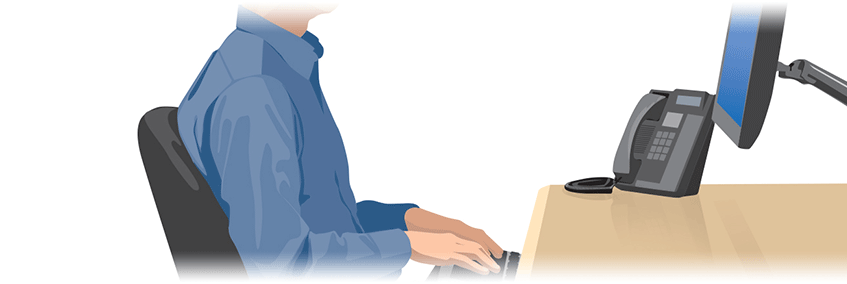
- ❶Study the image of Michael at his desk below.
- ❷
- ❸Answer the pop-up questions correctly to score!
Answer all 10 correctly to play the bonus round!



Correct – you scored a point!
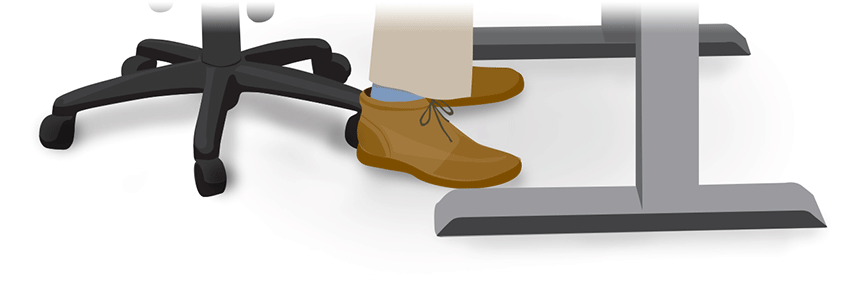
Michael’s feet should sit flat on the floor, so he can keep a comfortable posture throughout the day.
Correct – you scored a point!
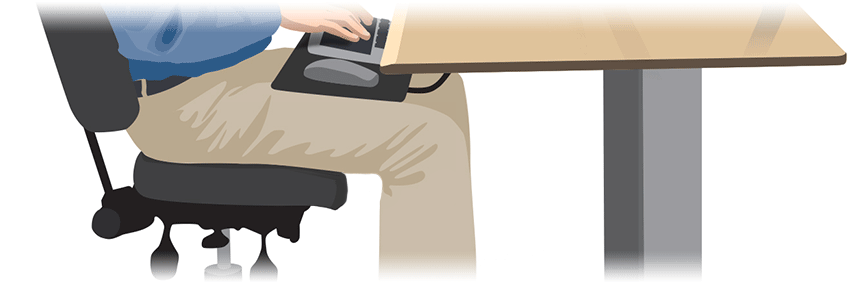
Michael should situate his knees so his lower legs and hips are at a 90° to 110° between his thighs. When sitting, he should have a fist‘s width of space between the edge of the chair and the back of his knees.
Correct – you scored a point!
Michael should keep his torso upright or reclined slightly to ensure his hips stay between a 90° and 120° angle. He should also use a cushion to maintain the slight natural curve of his lower back.
Correct – you scored a point!
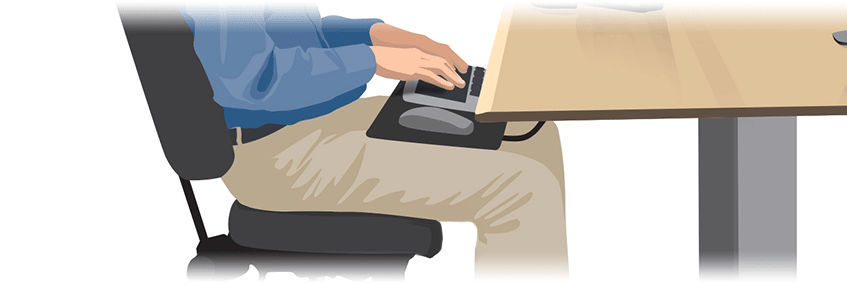
The position of the keyboard and mouse should ensure Michael’s elbows stay relaxed and at his side, with his arms between a 90° and 120° angle. This way, he reduces his muscle load without holding his arms in a strained or unnatural position.
Correct – you scored a point!
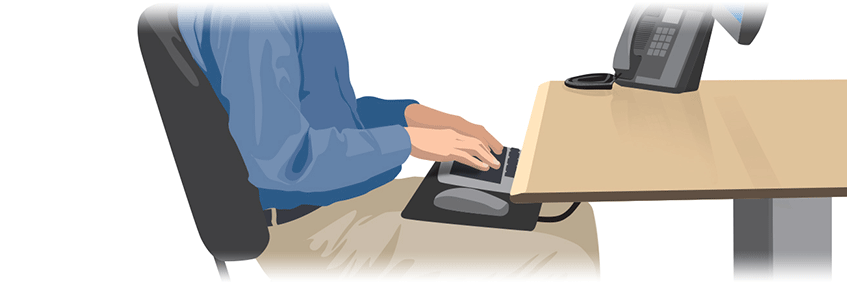
Michael should use an adjustable tray for his keyboard and mouse since the height of his desk is too high. The tray should be adjusted to tilt his keyboard back about 10°, while allowing him to maintain a keyboard position where his wrists are at an equal height to his elbows.
Correct – you scored a point!
Michael should not flex his wrists up or down. Instead, he should hold them in a relaxed, natural position, and at an equal height to his elbows. His hands should also be relaxed, with his fingers curved and supported.
Correct – you scored a point!
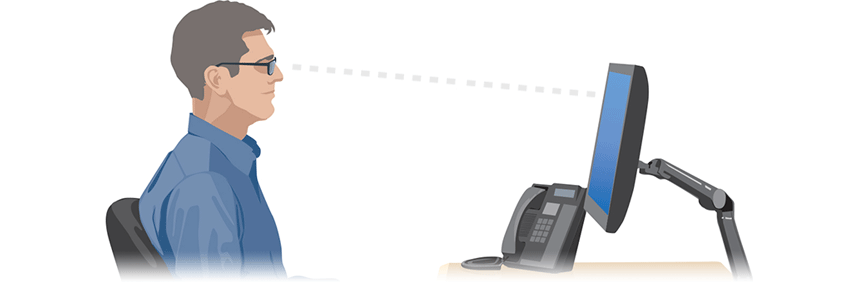
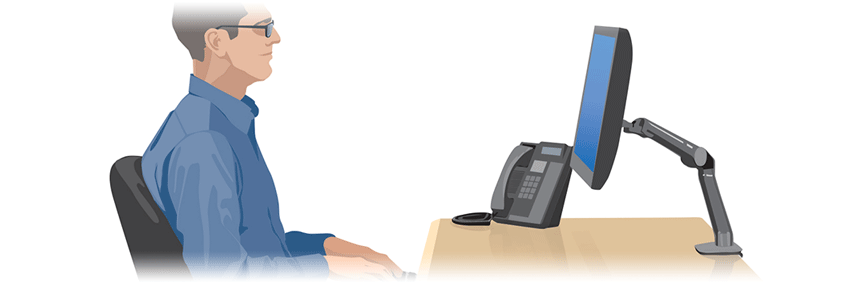
- Michael should use an adjustable stand or arm to allow him to reposition the display and maintain the best view as his posture changes.
- He should tilt the screen back 10° to 20° to balance the focal distance from the top to bottom of the screen.
- An adjustable desk mount arm offers Michael the ability to rotate, change the height and extend/retract his display as necessary, as well as turn or tilt his screen to minimize glare.
Correct – you scored a point!
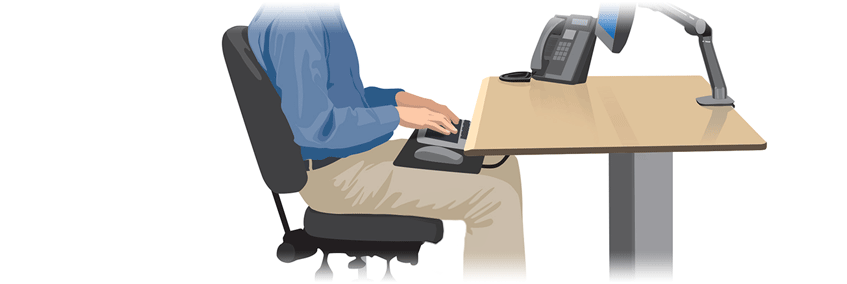
- A chair should be configurable so it can conform to your body and provide adequate lumbar and arm support, while placing legs and feet in a neutral posture.
- The seat should slope slightly forward for a proper knee position.
- Choose an adjustable chair with tilt, rotation and caster wheels that can adapt to your body’s natural position changes during the day.
Correct – you scored a point!
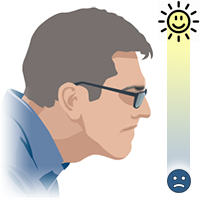
Much like sitting in a car, his shoulders should be down and relaxed, with his chest open and wide. Leaning back just a bit can be increase comfort while in a seated position.
Correct – you scored a point!
Mounting Michael’s display would allow him to reposition the screen and maintain an optimized view as his posture changes. He should tilt the screen back 10° to 20° to balance the focal distance from the top to bottom of the screen.