4 Ways to Keep Your Desk Organized


[ad_1]
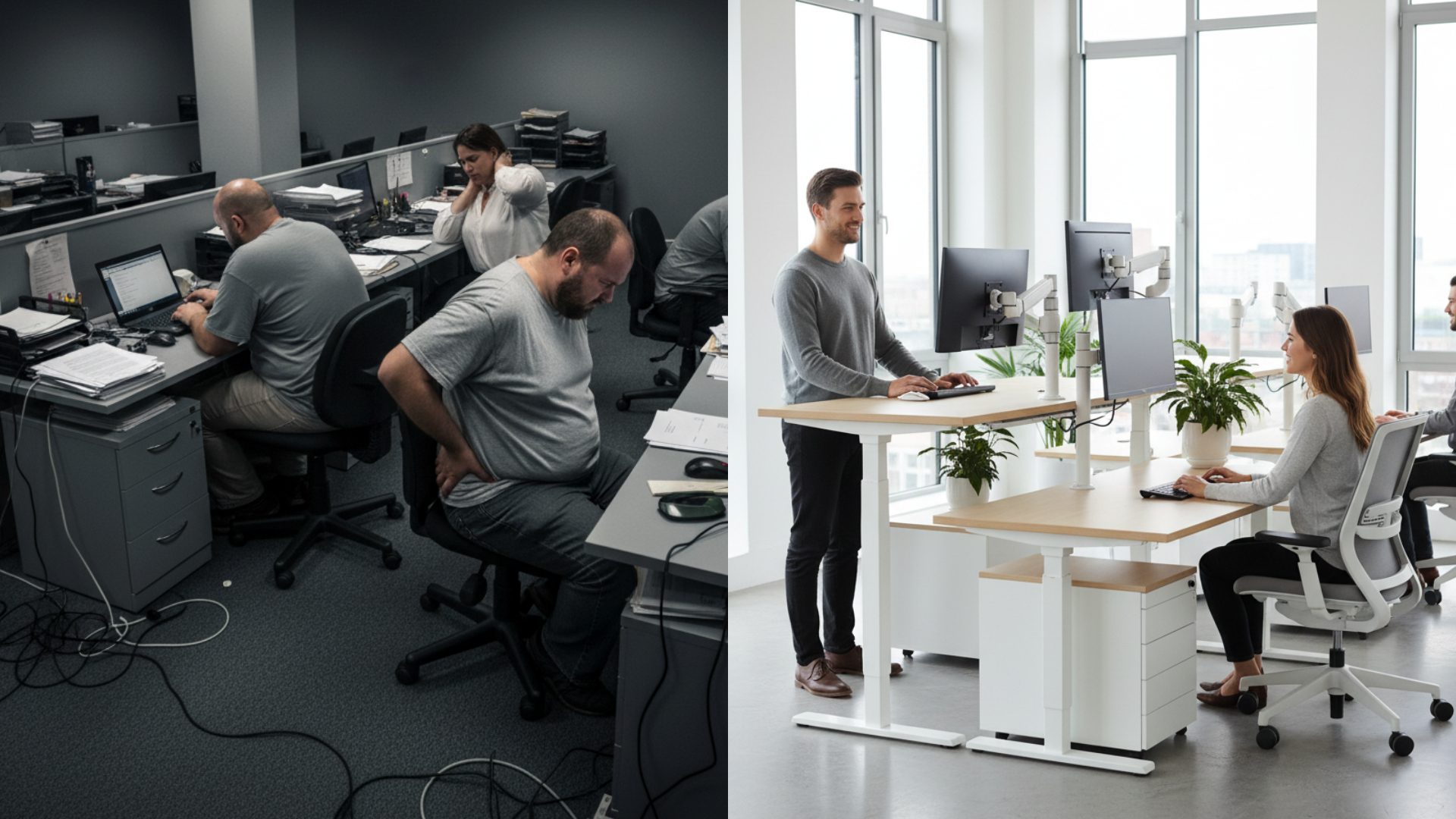
Maintaining a well-organized desk in the office or at home can feel inspiring as you tackle each workday. Keeping everything in its place makes it easier to clean, plus photo-worthy workspaces can support your mental health and productivity.
So how do you transform a cluttered workspace into a comfortable and inviting area where you can dream up the next big idea? Here are four tips for making your desk more functional and ergonomic.
1. Control the cable chaos
Poor cable management can slow down your workday and create excess visual noise. Cleaning up stray or unorganized cables can be an inexpensive way to give your workspace a refresh.
Sort your cables
Start by getting your cables in order. Unplug each cable and evaluate your current setup. If you’ve had your desk for a long time, sometimes you’ll spot cables from devices you no longer use. Grab painter’s tape and a marker and label your cables. This will help you identify wires, especially near a power strip, in case you need to troubleshoot future issues.
Reattach your cables
If you have a sit-stand desk or monitor arm, position the furniture in the most extreme position before reattaching your cables. This ensures you have enough slack when you switch between sitting and standing.
Some monitor arms will have built in cable management to help you keep your cables in place. For other cables, use zip ties or hook and loop ties to keep similar cables together and wrap up excess wire.
2. Reduce clutter
Your workspace should be a haven for productivity and focus. While a note can be a helpful reminder, a pile could end up making you less productive. One survey showed that clutter can lead to procrastination and feeling overwhelmed.

Purge your workspace
Try moving everything to another location at the beginning of the week. As you need things, move them back to your desk. If by the end of the week you have untouched items remaining, there’s a good chance they can be removed from your desk. Try using this same method with filing cabinets and drawers that can collect clutter.
Check around your desk
Be thoughtful about how many sticky-notes, notebooks and sheets of paper you actually need. Rid your floor, cubicle or home office of empty lunch and beverage containers, or other things that can make your mind wander. If you’re in a home office, try to physically separate your home and work life to reduce distractions.
Don’t forget digital clutter
Digital clutter like applications, email windows and unorganized files can quickly pile up. One survey found that 44% of respondents have more than 20 browser tabs open at once. Try reducing these extra applications and focus on a single task. Not only will your computer perform better, but you might find yourself more productive.
3. Build workspace zones
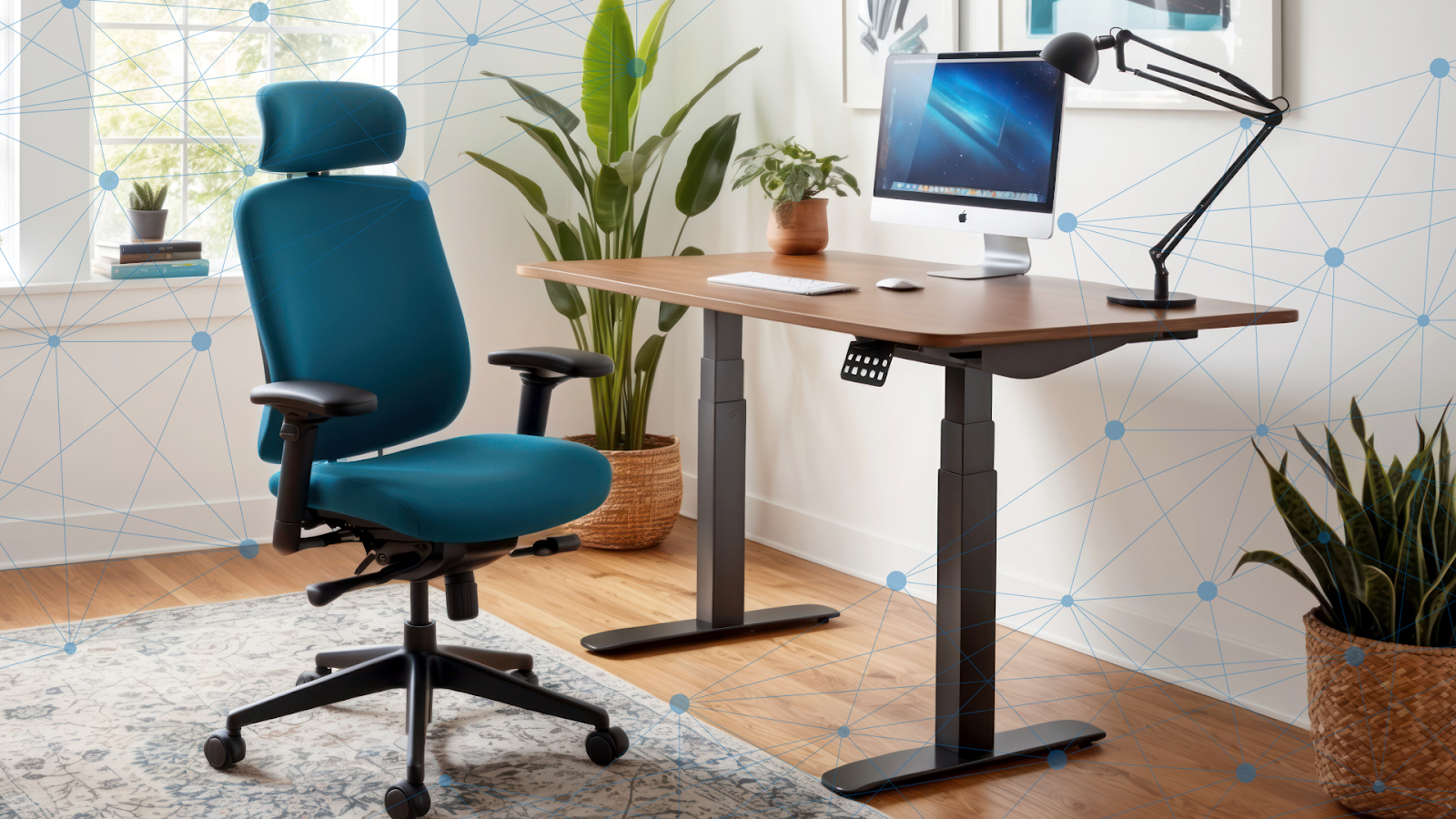
Your entire work area from your desk to your chair to your storage makes up your office ecosystem. When creating an organized and functional work area, take your whole ecosystem into account for a holistic refresh.

Create zones on your desk
Follow the rules of primary, secondary and reference work zones. The items you use the most should be the closest to you with other items within an arm’s reach or farther away, depending on their importance.
Assigning a home for each item can help keep clutter at bay. If your work involves physical items, like contracts or files to sort, place them on one side of your desk (often on the left) to be completed. As you work on one, move them to the center. Once completed, move them right away to their home.
Create zones away from your desk
Moving more during the workday will help up your blood flow and focus. Avoid staying in one position for too long by intentionally moving a file cabinet or other less-used resources away from your desk. This will automatically add more movement into your day and serve as a reminder to follow the Sit-Stand Switch™ and alternate positions every 30 minutes.
4. Add more movement
Adding a quality monitor arm can make your workspace more comfortable and usable. Monitor stands make the space beneath unusable and steal valuable desk real estate. Odd shaped stand bases are harder to clean than desk mounted monitor arms.
Monitor arms lift your monitors for ergonomic views and create additional workspace for your primary zone items. You can also leave that space open for a clean aesthetic.
Read: How to choose the right monitor arm.

Incorporate a sit-stand desk converter
If you have a stationary desk, adding a desk converter can help you move more while organizing your workspace. An ergonomic desk converter helps visualize your primary work zone with a clean outline and physical barrier. Plus it usually includes a built-in keyboard tray and cable management. Sitting and standing on-demand as you transition between tasks or meetings can help reduce your sedentary time during the day.
Round-up
Keeping a clean and organized desk sets the foundation for a productive and comfortable workday that will set you on the path to reaching your goals. If you have additional tips to share, let us know on LinkedIn or Twitter @ergotron.

[ad_2]